Apple Health
Recovery and activity grounded in HealthKit metrics.

Recovery, workouts, and mind — grounded in Apple Health.
Pepper turns Apple Health into a practical recovery companion: scores, plans, and Watch tools for workouts, mind, and nutrition without leaving your data on someone else's server.
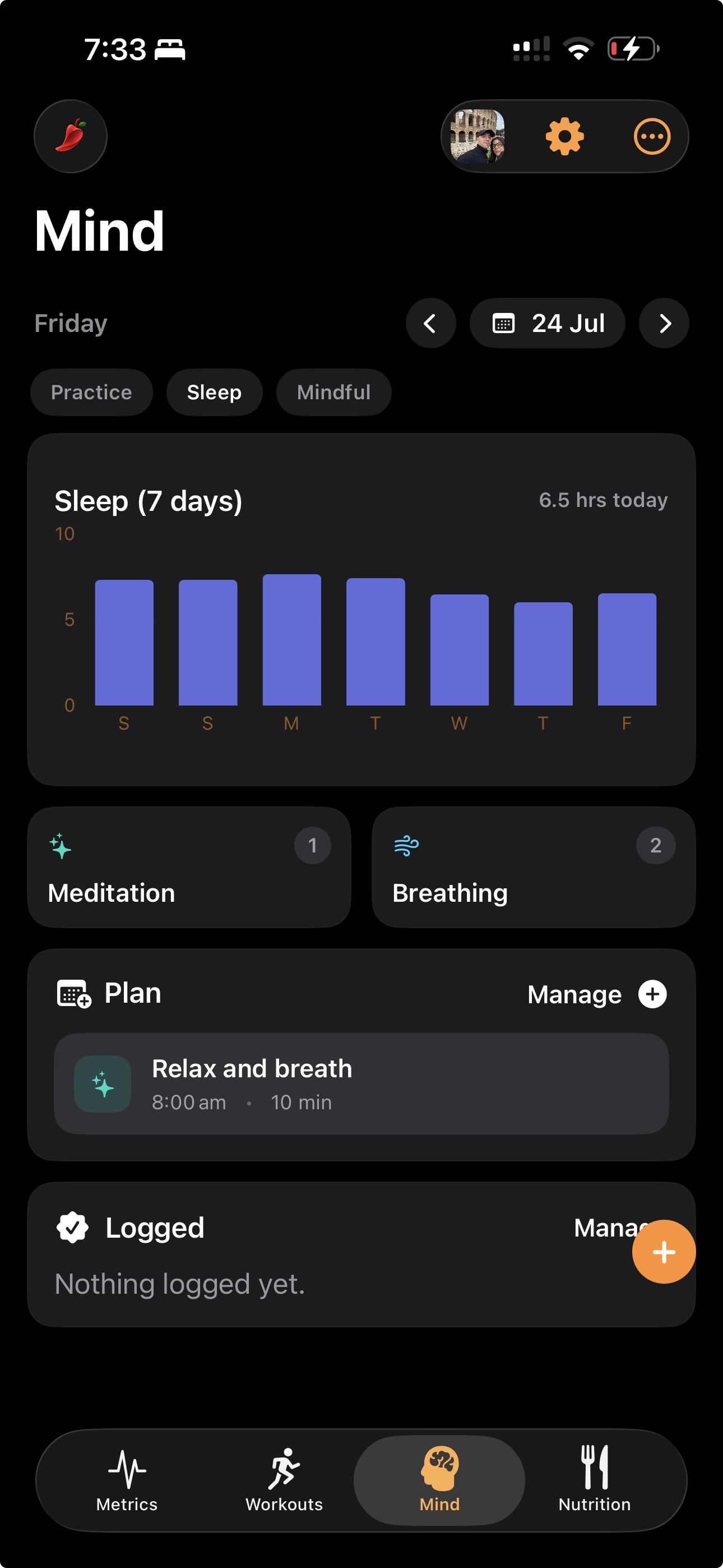
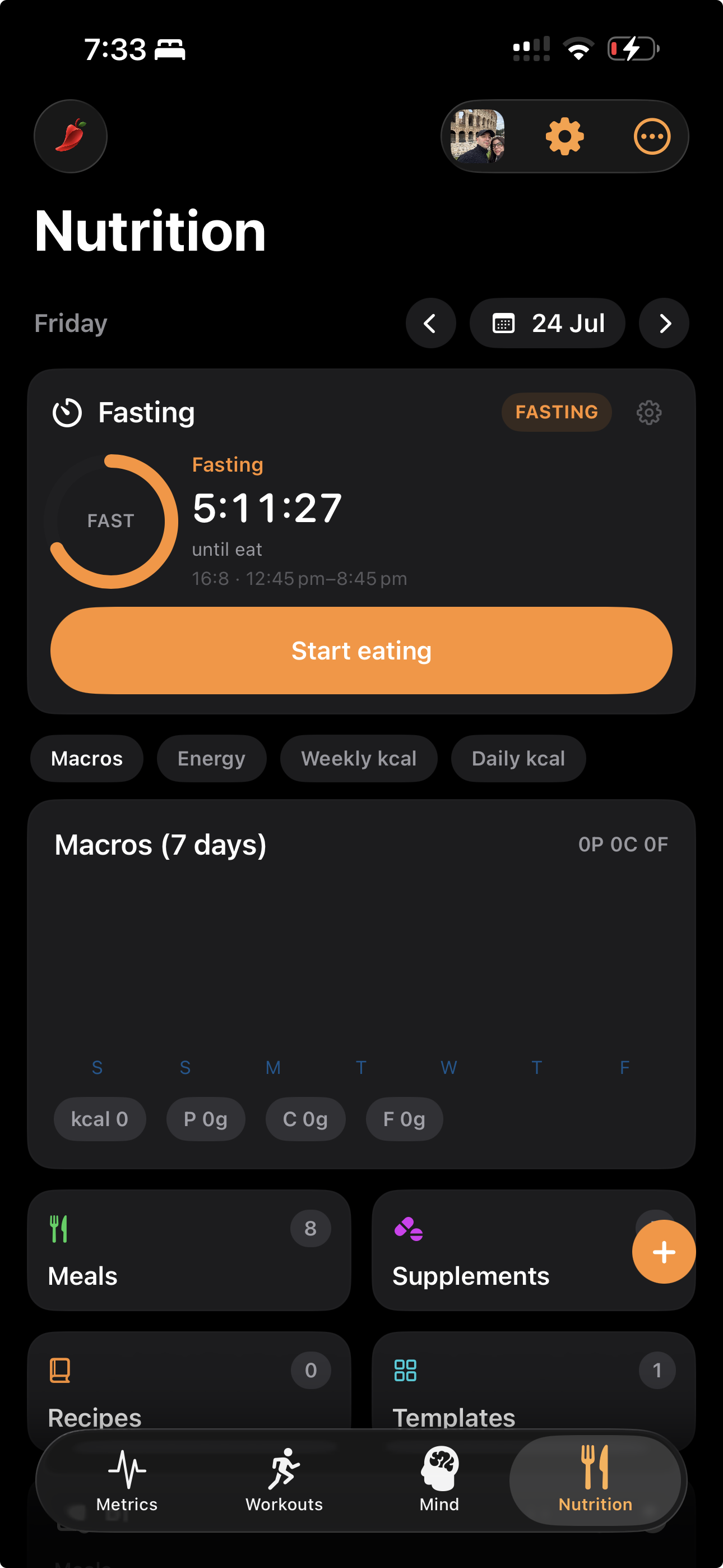
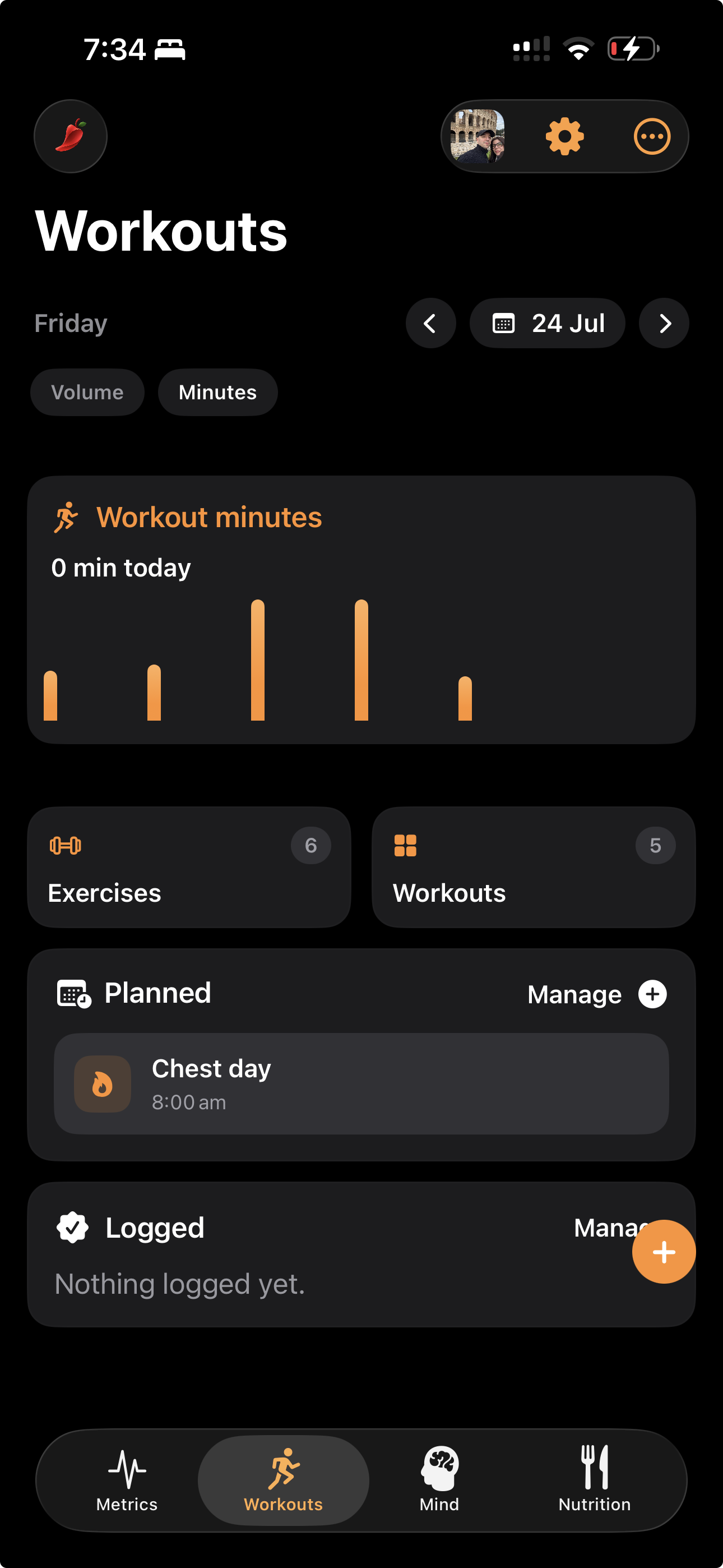
Grant Health access so recovery scores and activity stay grounded in your real data.
Set up workouts, mind, or nutrition plans — or all three — and sync across iPhone and Watch.
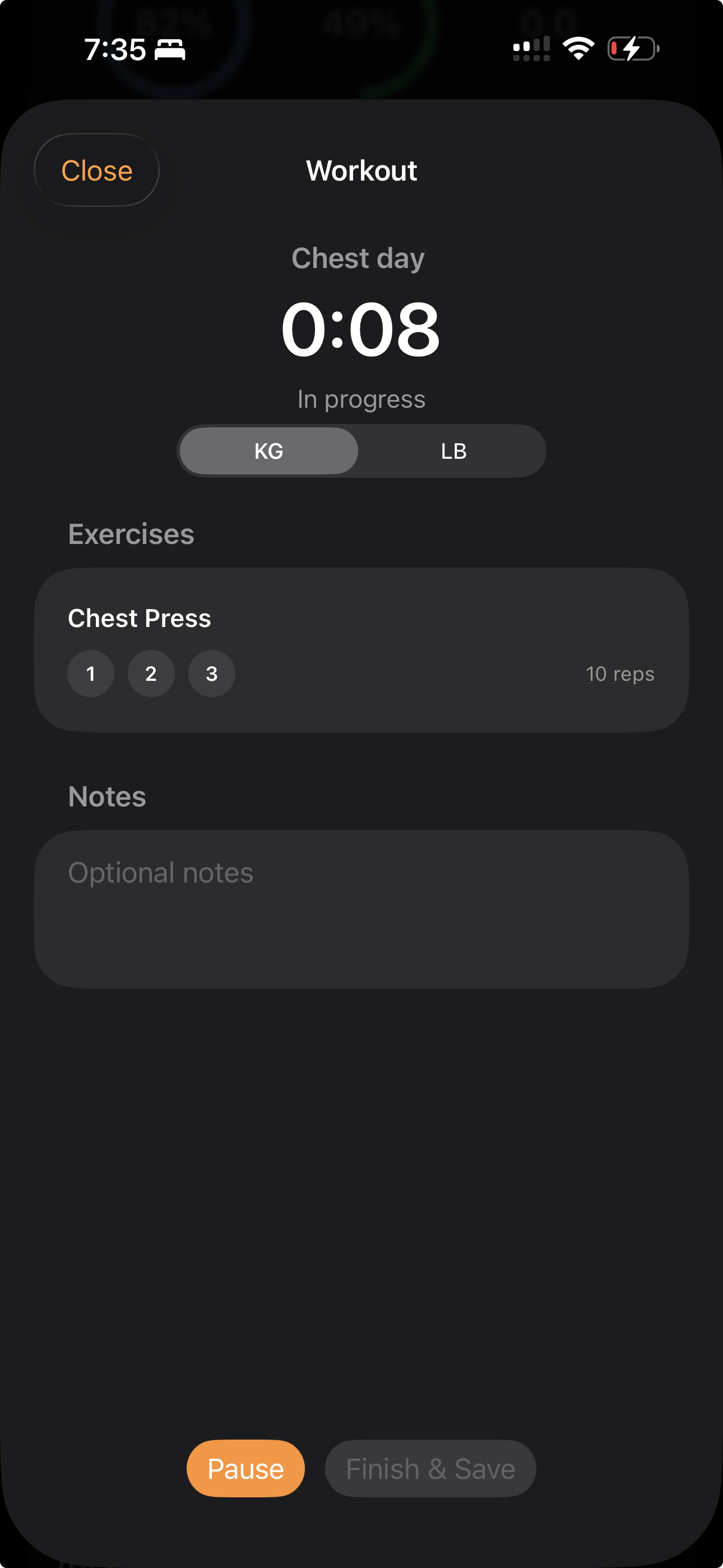
Start a workout or breathing session, then review what you logged when you're done.
Recovery and activity grounded in HealthKit metrics.
Workout, Mind, and Recovery surfaces on your wrist.
Plans and history sync across iPhone and Watch.
Pepper is still an experiment.
 ConscioHabits · iPhone & Watch
Habits that stick — with private on-device coaching.
A.02
ConscioHabits · iPhone & Watch
Habits that stick — with private on-device coaching.
A.02
 NodioNotes · iPhone & Mac
Media-first notes — capture, explore, and find ideas fast.
L.02
NodioNotes · iPhone & Mac
Media-first notes — capture, explore, and find ideas fast.
L.02
 ThreadEveryday
Your wardrobe, cataloged and styled into outfits.
L.03
TraceHealth
Migraine & allergy tracking — ready for the doctor's office.
ThreadEveryday
Your wardrobe, cataloged and styled into outfits.
L.03
TraceHealth
Migraine & allergy tracking — ready for the doctor's office.