iPhone & Mac
One capture system across phone and desktop.
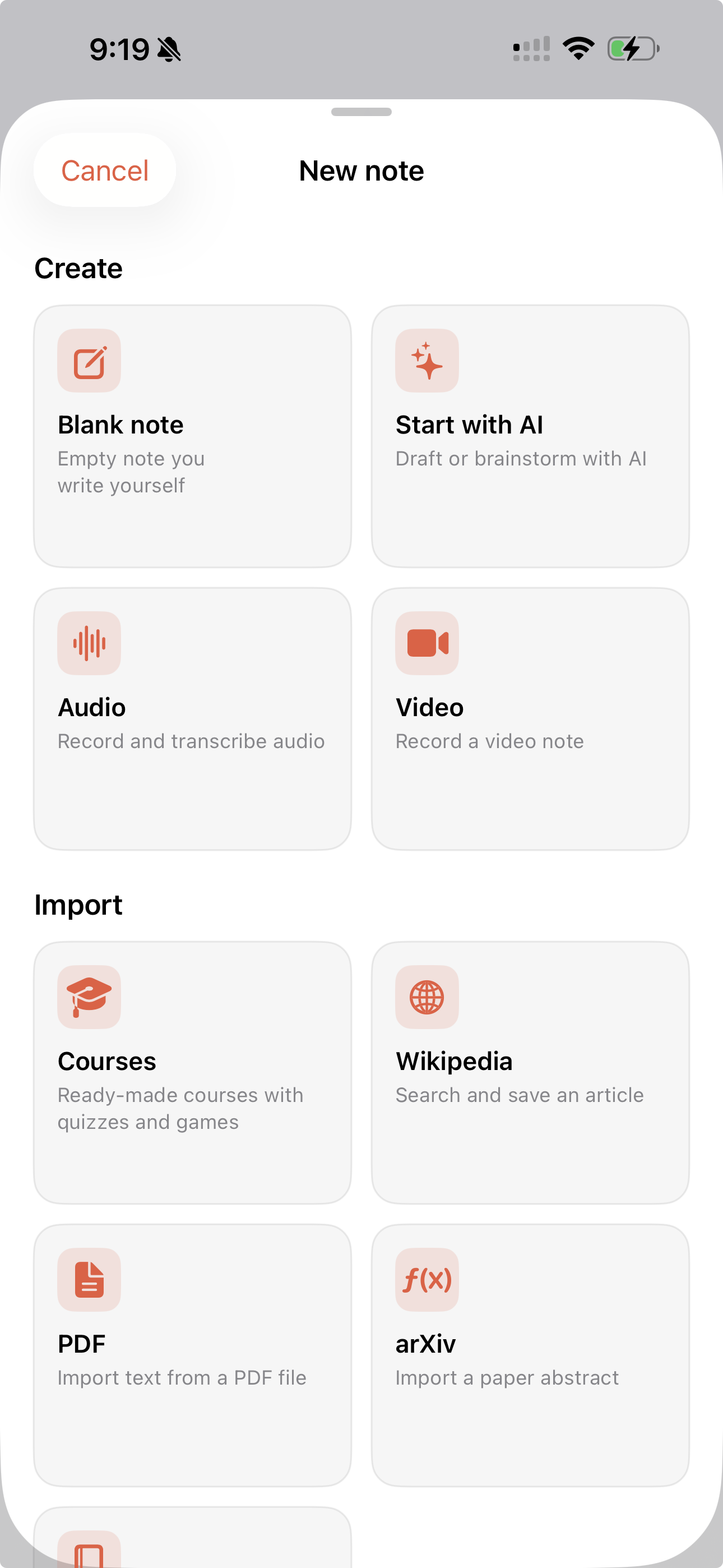
Media-first notes — capture, explore, and find ideas fast.
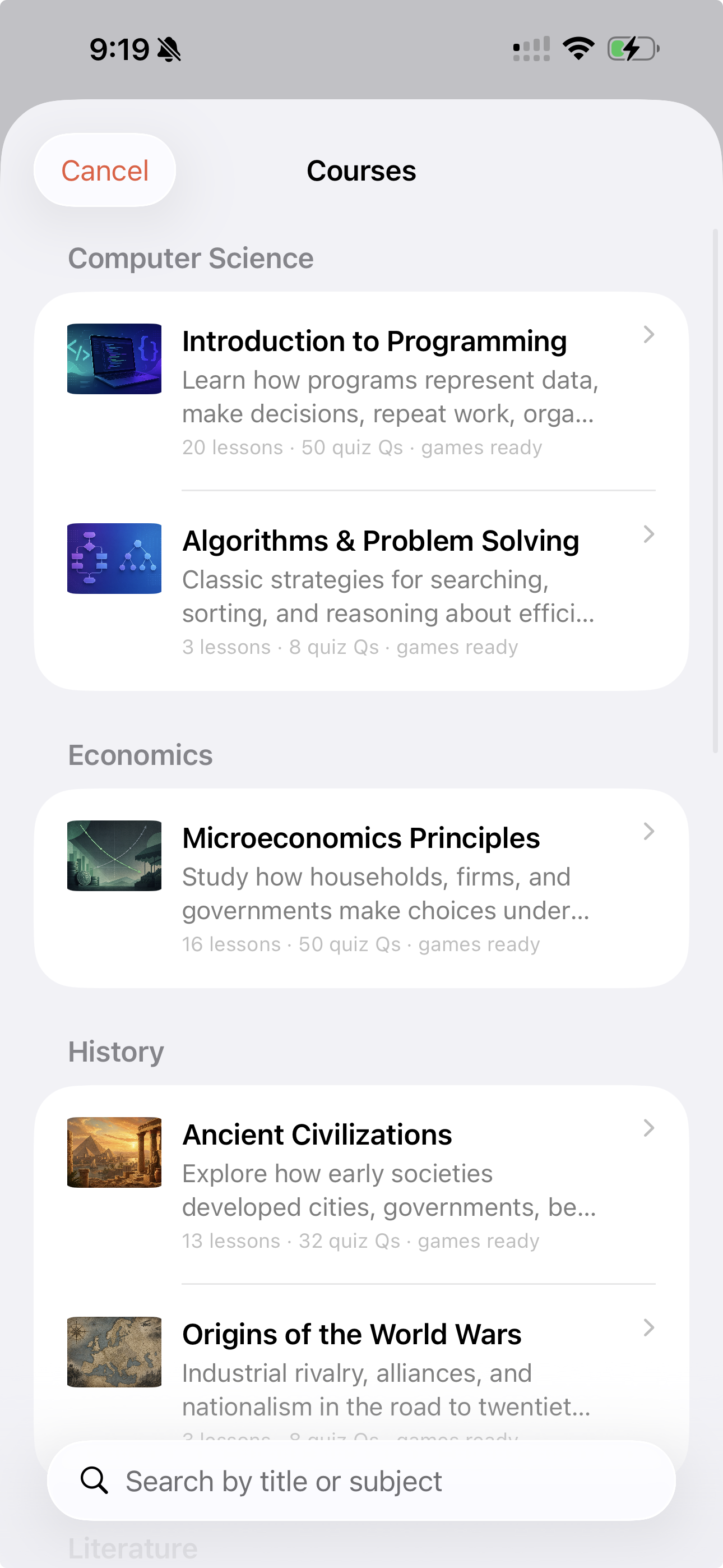
Nodio is built for fast capture: text, audio, and video in one place. Layouts for list, timeline, grid, and graph help you browse the way you think.
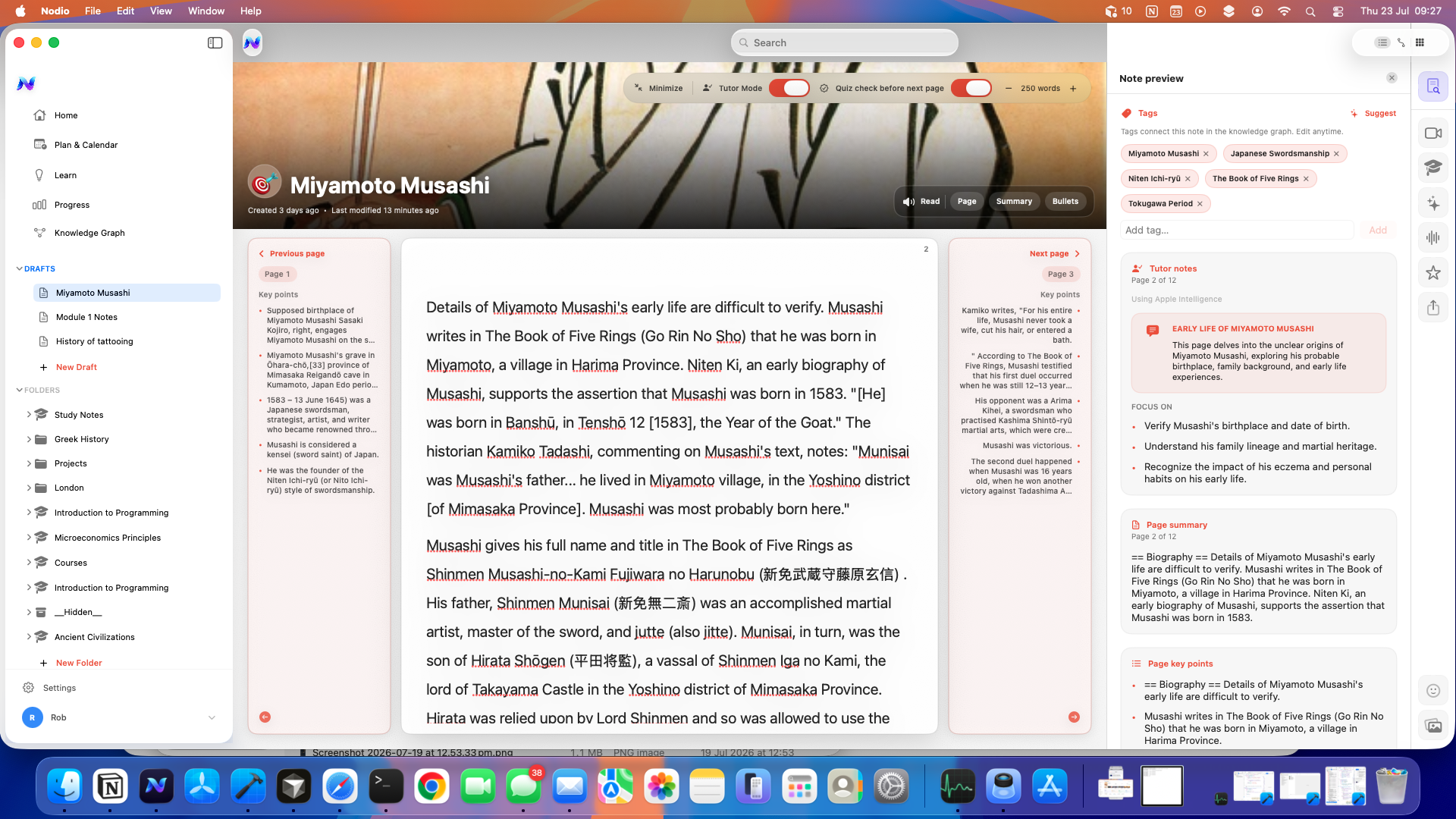
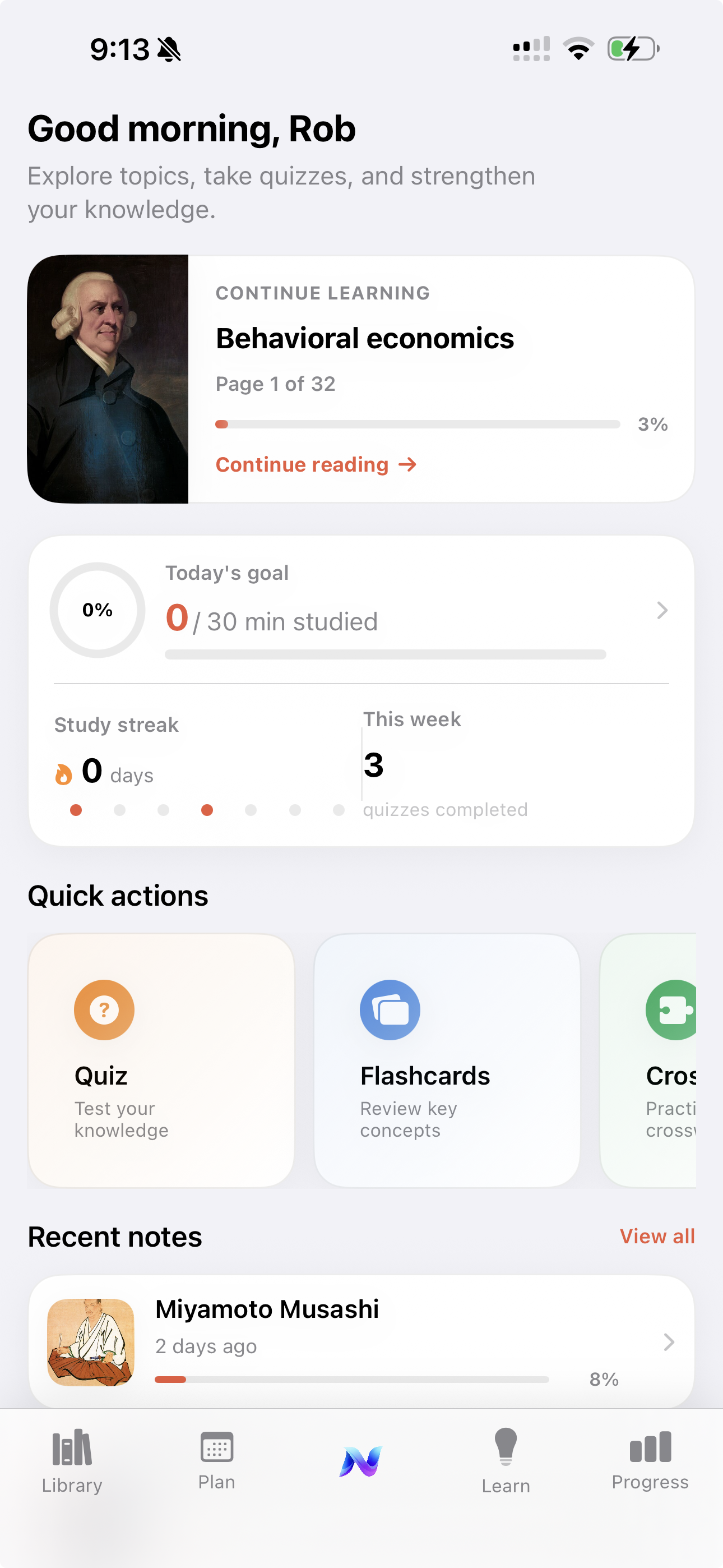
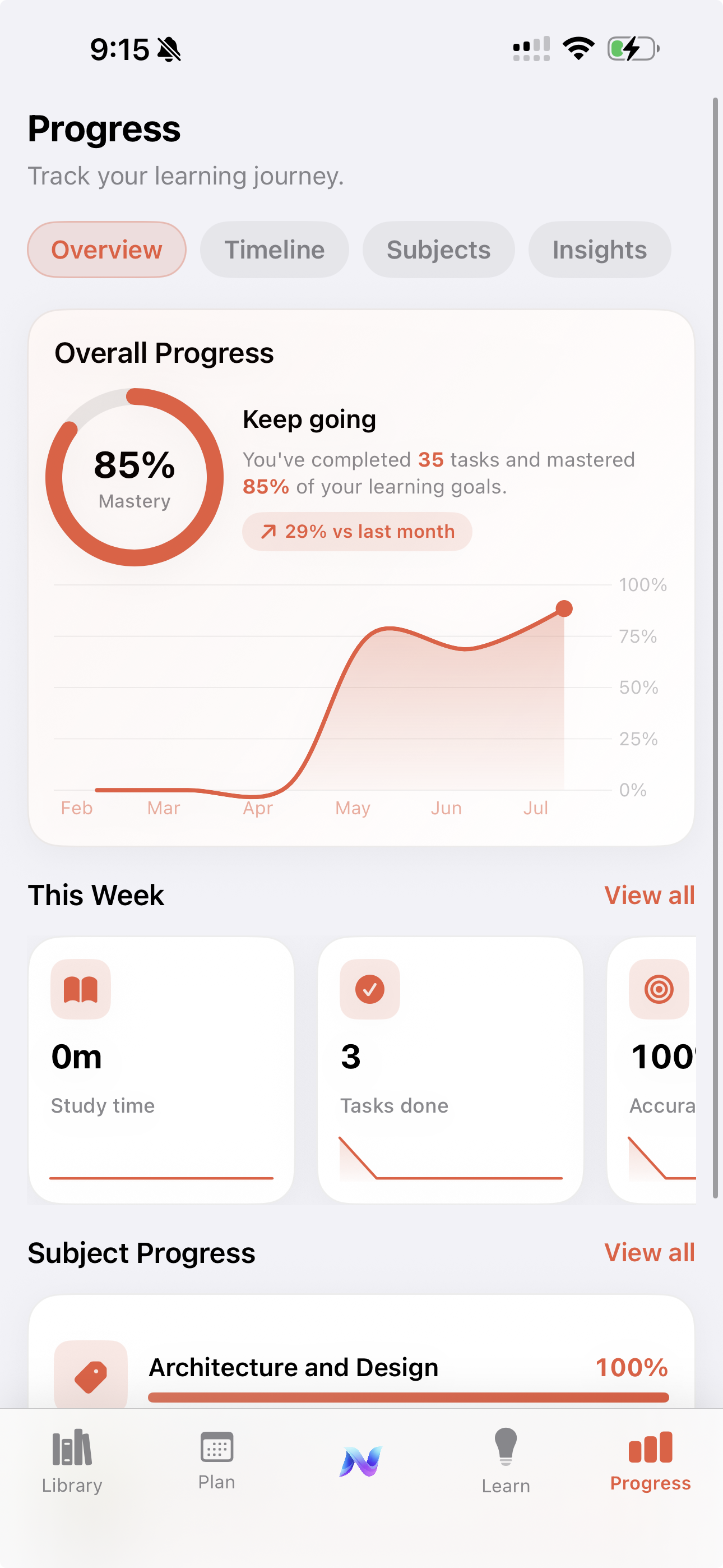
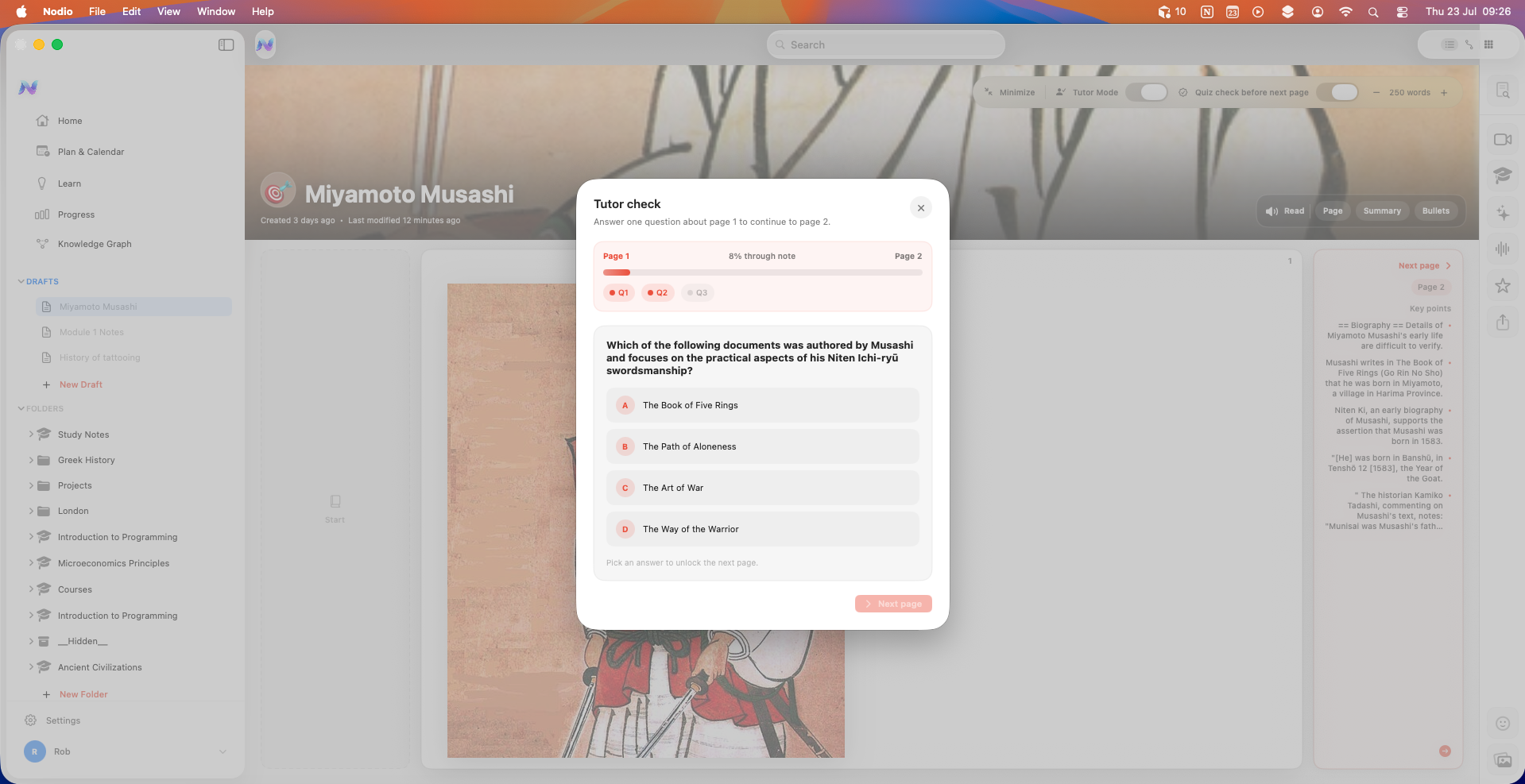
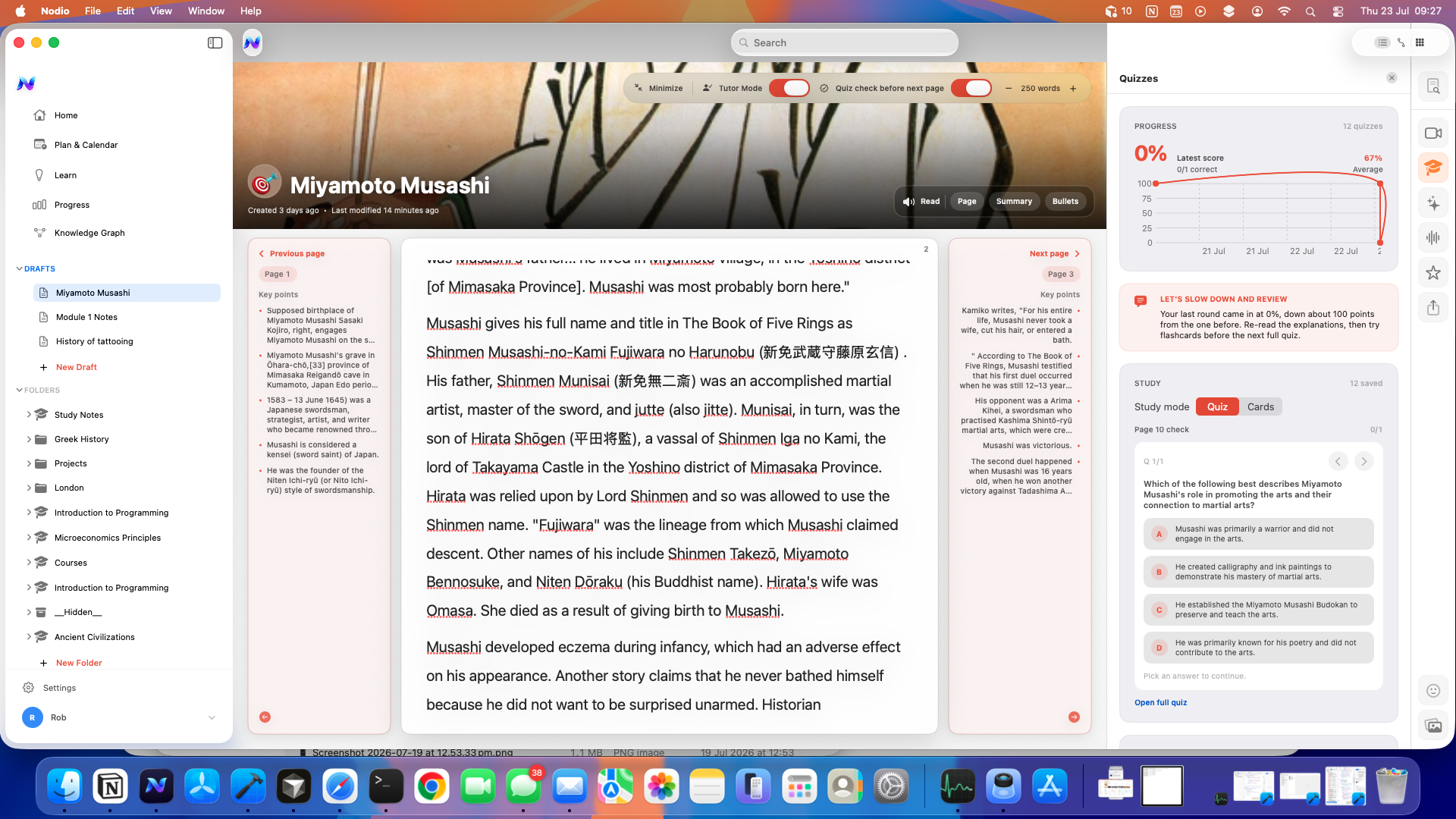
Capture wherever you work — phone for speed, Mac for longer sessions.
Start with text, then add audio or video. Transcription and layouts keep ideas findable.
Use folders, timelines, grids, or graphs — switch layouts when your thinking changes.
One capture system across phone and desktop.
Chat and assist without shipping your notes to a random server.
Local lock so private notes stay private.
Nodio is still an experiment.
 ConscioHabits · iPhone & Watch
Habits that stick — with private on-device coaching.
L.01
ConscioHabits · iPhone & Watch
Habits that stick — with private on-device coaching.
L.01
 PepperHealth
Recovery, workouts, and mind — grounded in Apple Health.
L.02
PepperHealth
Recovery, workouts, and mind — grounded in Apple Health.
L.02
 ThreadEveryday
Your wardrobe, cataloged and styled into outfits.
L.03
TraceHealth
Migraine & allergy tracking — ready for the doctor's office.
ThreadEveryday
Your wardrobe, cataloged and styled into outfits.
L.03
TraceHealth
Migraine & allergy tracking — ready for the doctor's office.